
Design
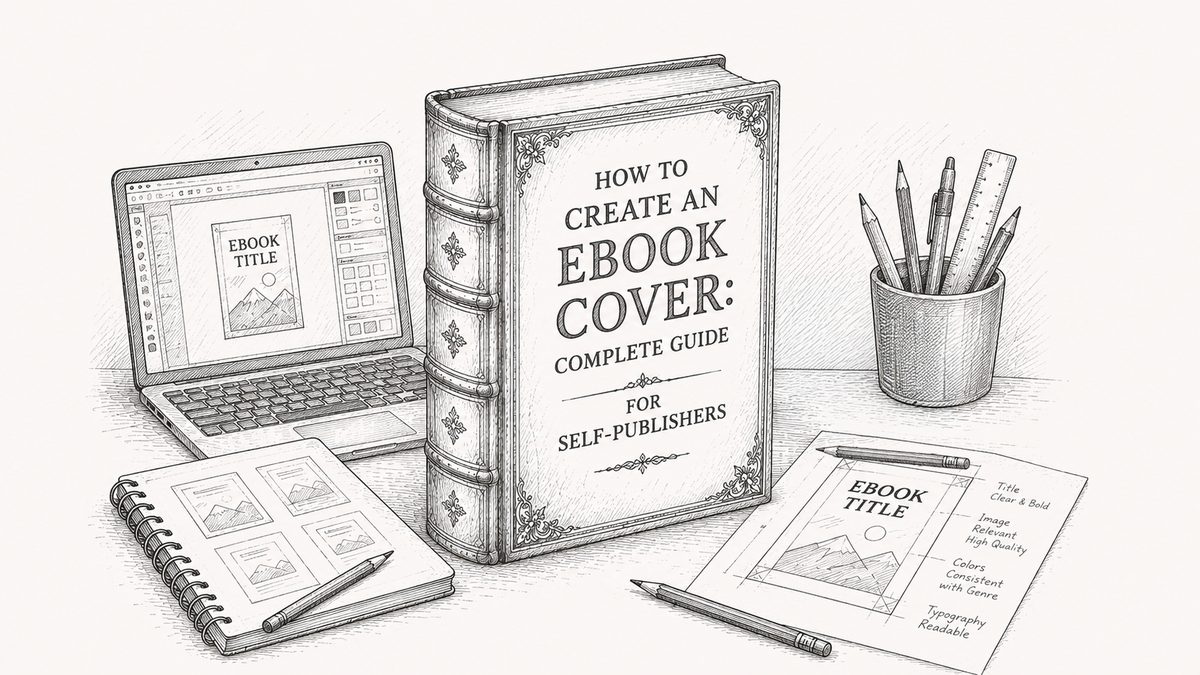
How to Create an Ebook Cover: Complete Guide for Self-Publishers
Design an ebook cover that sells. Dimensions, composition rules, tools, and mistakes to avoid when creating a cover for Amazon KDP, Apple Books, and Kobo.
Your cover does more work than any other piece of your ebook. It's the thumbnail on Amazon, the icon on a reader's shelf, and the image every single potential buyer sees before reading a word. Here's how to design one that earns the click.
Why the Cover Matters More Than You Think
The average Amazon shopper spends less than two seconds on each thumbnail before deciding whether to click. Your cover has two jobs in that window:
- Signal the genre or topic clearly.
- Look professional enough to trust.
A weak cover isn't just an aesthetic problem. It's a conversion problem. Authors often spend a year writing and a weekend on the cover. That ratio is backwards.
Ebook Cover Dimensions
Every major store has slightly different specs, but a single file works for all of them if you follow the strictest requirements:
- Aspect ratio: 1.6:1 (taller than wide). A 2:3 ratio is also widely accepted.
- Recommended size: 1,600 pixels wide by 2,560 pixels tall.
- Minimum size: 1,000 pixels on the longest side (Amazon KDP).
- Format: JPEG or TIFF. Under 50 MB.
- Colour space: RGB (not CMYK, which is for print).
If you're unsure, 1,600 by 2,560 at RGB JPEG is the safe default. It meets every store's requirements with room to spare.
Three Rules for a Cover That Converts
Rule 1: It has to survive the thumbnail test
Open your draft cover and shrink it to 200 pixels wide. Can you still read the title? Can you still tell what genre it is? If not, the cover is too complex. Covers are consumed at thumbnail size first and full size almost never.
Rule 2: Genre signal beats originality
A thriller cover should look like a thriller. A romance cover should look like a romance. Readers scan stores looking for what they already like. A "unique" cover that doesn't match its genre is a cover that won't get clicked.
Look at the top 10 covers in your genre on Amazon. Note what they have in common (colour palette, typography style, imagery). Match those conventions, then find one small detail to make your cover distinct within them.
Rule 3: Typography does 70% of the work
On most successful ebook covers, the title is the biggest thing on the page. The author name is secondary but still readable at thumbnail size. If your typography is strong, a simple background carries the rest.
How to Design an Ebook Cover: Three Paths
Path 1: In-app cover generator (fastest, free)
Some ebook tools include a cover generator that uses your title, author name, and genre to produce a clean cover. makeebook has a built-in cover generator that produces a store-ready cover in seconds. No design skills required, and it's free.
This works best when you want a quiet, typographic cover rather than a photographic one. If your book is literary fiction, non-fiction, or essays, a generated cover is often all you need.
Path 2: DIY with Canva or Photoshop
Canva has ebook cover templates you can customise. Photoshop and Affinity Designer offer more control but require design skills. DIY works if you have a clear vision and the time to execute it, or if your genre has simple conventions you can match (a lot of non-fiction, for example).
Start with a template in the right aspect ratio. Don't try to design from a blank canvas unless you know what you're doing.
Path 3: Hire a professional
If your book is commercially ambitious, a professional cover is the highest-ROI investment you can make. Prices range from $50 (pre-made covers on Fiverr) to $800 (bespoke from a specialist cover designer).
Platforms like Reedsy, 99designs, and Fiverr have vetted cover designers. Look at their portfolio in your genre before commissioning.
Common Mistakes to Avoid
- Title too small. If the title doesn't read at thumbnail size, the cover doesn't work.
- Low-resolution stock images. Free stock is often overused and low-quality. Pay for one good image rather than patching together free ones.
- Too many fonts. Two fonts maximum. One for title, one for author. Often the same font in two weights works better than two different fonts.
- Amateur borders and drop shadows. The moment you add a fake "book" border or heavy drop shadow, the cover reads as DIY. Trust flat design.
- Genre mismatch. A romance cover on a thriller is a publishing mistake, not a creative choice.
- Forgetting the series. If you're writing a series, design the first cover with series templating in mind. Book two shouldn't be a different style.
Testing Your Cover Before You Publish
Before finalising, do two tests:
- Thumbnail test. Shrink to 200px wide. Still readable and on-brand for the genre?
- Peer test. Show the cover (without context) to five people in your target audience. Ask them to guess the genre in three seconds. If four out of five get it right, you're good.
Next Step: Get Your Manuscript Cover-Ready
A cover is half the battle. The other half is a manuscript that matches its promise. If you haven't started yet, our complete beginner's guide to writing an ebook walks through the process from outline to finished EPUB.
Looking for the tool to pull it all together? See our comparison of the best ebook creation tools to pick the right fit.
Frequently asked questions
- What size should an ebook cover be?
- The safe default is 1,600 pixels wide by 2,560 pixels tall, RGB, saved as JPEG. That meets every major store's requirements (Amazon KDP, Apple Books, Kobo, Google Play Books). Minimum is 1,000 pixels on the longest side.
- Can I design my own ebook cover?
- Yes. Canva has templates, makeebook has a built-in cover generator, and Photoshop or Affinity Designer give full control. DIY works best for simple typographic covers. For commercially ambitious books, a professional designer is usually worth the spend.
- How much does a professional ebook cover cost?
- Pre-made covers on Fiverr start around $50. Custom covers from specialist designers typically run $200 to $800 depending on complexity. For a book you plan to market seriously, $300 to $500 is a reasonable budget.
- What format should the cover file be?
- JPEG is the safest choice. Every major store accepts it. Keep the file under 50 MB, use RGB colour space (not CMYK, which is for print), and make sure the resolution is at least 1,000 pixels on the longest side.
- Do I need a different cover for print?
- Yes, if you're publishing in print as well. Print covers need a spine, a back cover, CMYK colour space, and specific bleed allowances. A print cover cannot be reused as an ebook cover without a redesign.